01
Add your business content
Upload docs, sync your WhatsApp catalog, add FAQs, or enter your website URL so the AI can learn from your existing content.
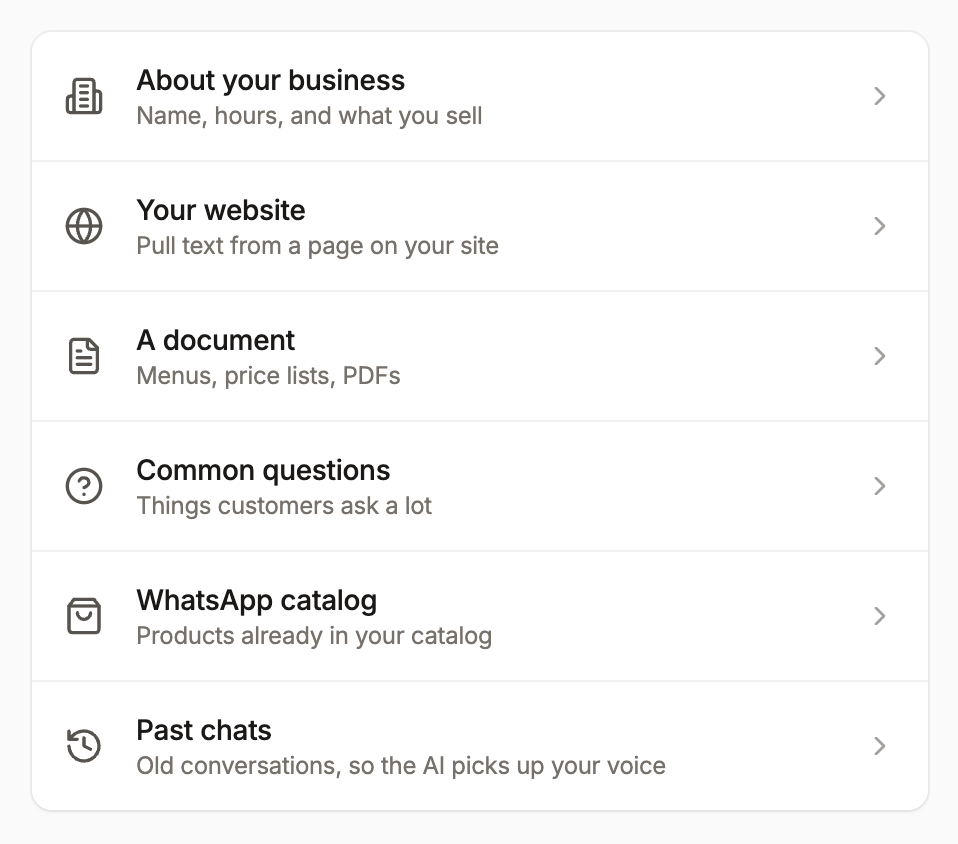
Train an AI agent on your website, docs, and FAQs so it can reply with accurate, human-like answers
Most WhatsApp chatbots follow scripts, funnels, and flowcharts.
Respond Helper answers naturally using your business knowledge, and loops in a human when confidence is low.
Upload docs, sync your WhatsApp catalog, add FAQs, or enter your website URL so the AI can learn from your existing content.
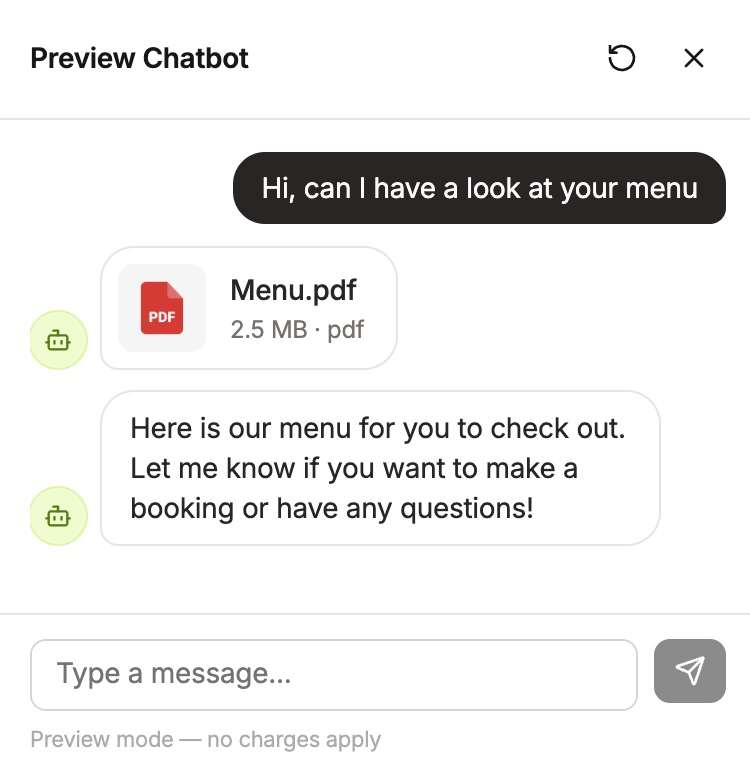
Send test messages, review AI answers, and adjust their responses as you go. Preview the AI agent chatbot from your customers' perspectives.
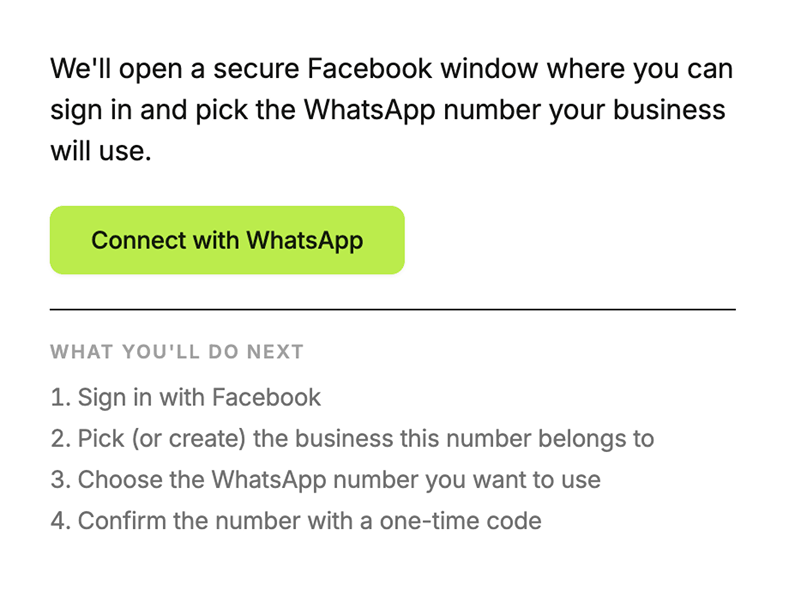
Link your WhatsApp Business number through Meta’s official setup. It takes a few minutes, no code required, and you can keep testing for free.
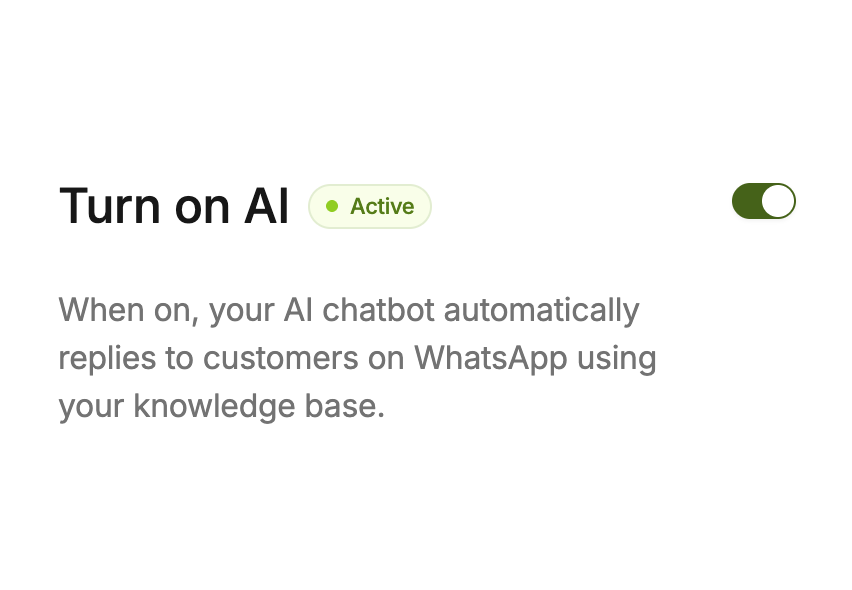
When you’re ready, upgrade to a paid plan and turn it on. Your AI agent will start handling incoming WhatsApp messages instantly.
When customers ask about your products, services, pricing, etc, the AI searches your content database and replies using your actual content, not made-up answers.
When someone asks about a product, the AI can send native WhatsApp product cards with images, prices, and links directly from your catalog
If a customer asks for a brochure, menu, spec sheet, or price list, the AI finds the right file from your uploads and sends it in the chat.
Instead of long, messy replies, the AI can send interactive WhatsApp lists for service choices, appointment slots, product categories, and more.
If the AI can’t answer a question or the customer asks for a person it flags the chat, sends your handoff message, and gives you a summary so you can take over without making the customer repeat everything.
This isn't a black box. You see every conversation. You decide how involved you want to be.
Send messages as yourself in the same thread, then hand the conversation back to AI when you’re ready.
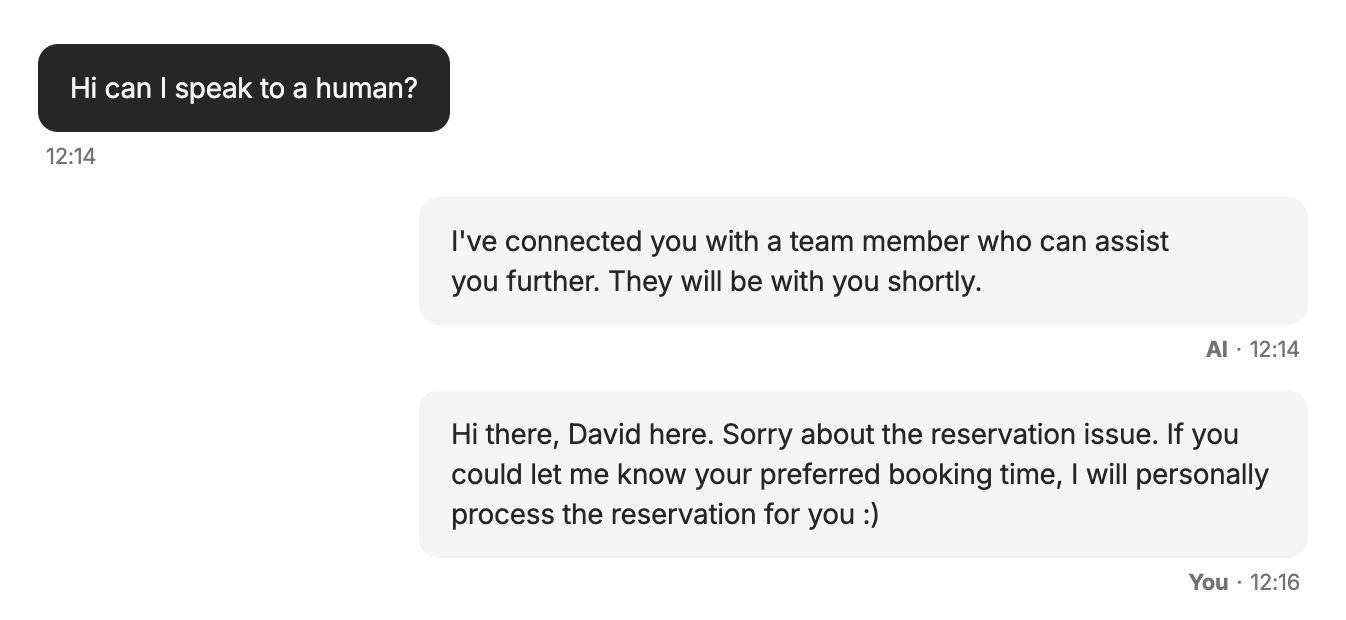
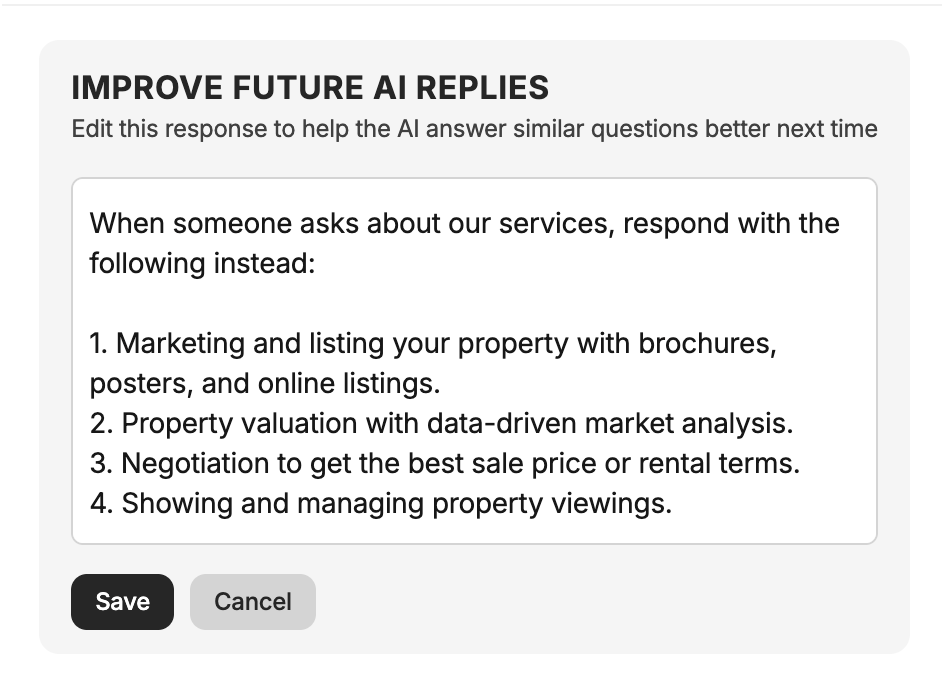
Fix a response in the moment, and turn that correction into better answers in the future.
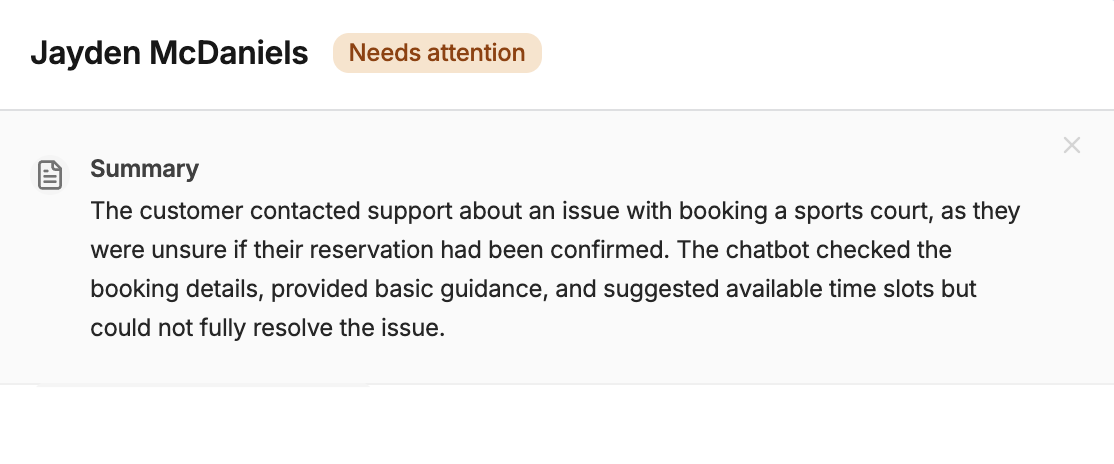
Get a fast summary of what the customer wants, without reading the full chat.
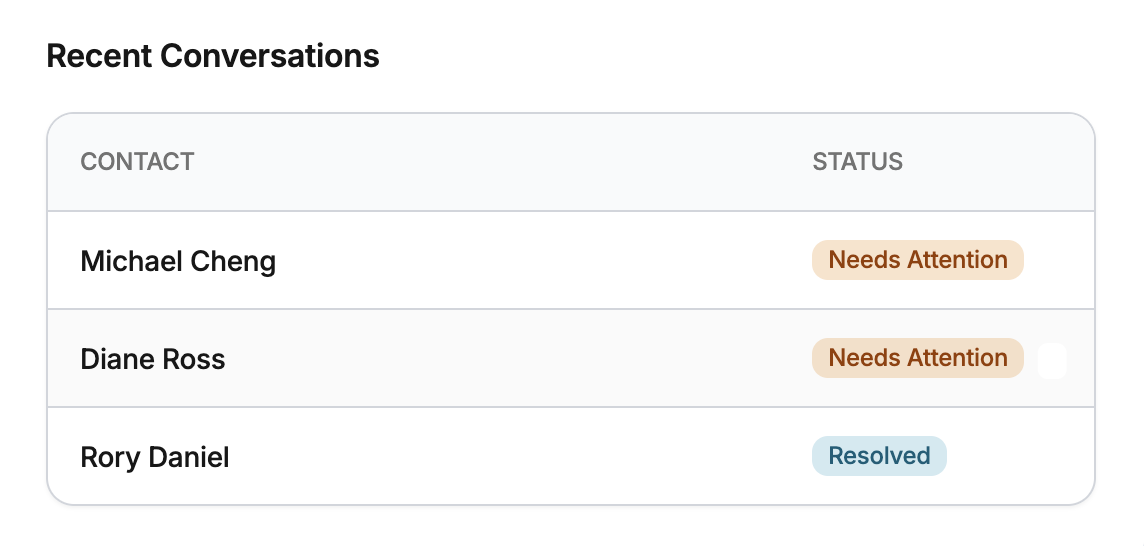
Get alerted when a conversation needs a human, so important chats never slip by.
Yes. You'll need a WhatsApp Business API number (through a Business Solution Provider or Meta directly). This isn't for personal WhatsApp numbers.
It escalates to you. The conversation gets flagged, the AI sends a handoff message to the customer, and you get a summary of the conversation so you can pick up where it left off.
Yes. The AI only uses information from your knowledge base. You can customize its personality and tone, edit its responses, and toggle it on or off per conversation or globally.
The AI is grounded in your knowledge base. If it doesn't find relevant information, it tells the customer it doesn't have the answer and can escalate — rather than guessing.
Yes. Your team can step into any conversation, send messages as themselves, and hand back to the AI. The AI picks up context from human-handled messages when it's turned back on.
The AI detects the customer's language and responds accordingly. It works with 50+ languages including English, Spanish, French, German, Italian, Portuguese, Chinese, Japanese, Korean, Arabic, Hindi, and many more.
If you have your WhatsApp Business API credentials ready, you can be live in under an hour. The main time investment is building out your knowledge base — the more you add, the better it works.
Yes. The AI automatically logs customer goals, needs, and preferences. You can see conversation history, insights, and which knowledge base items are being used.
Join the waitlist for early access. We'll let you know when it's your turn.